
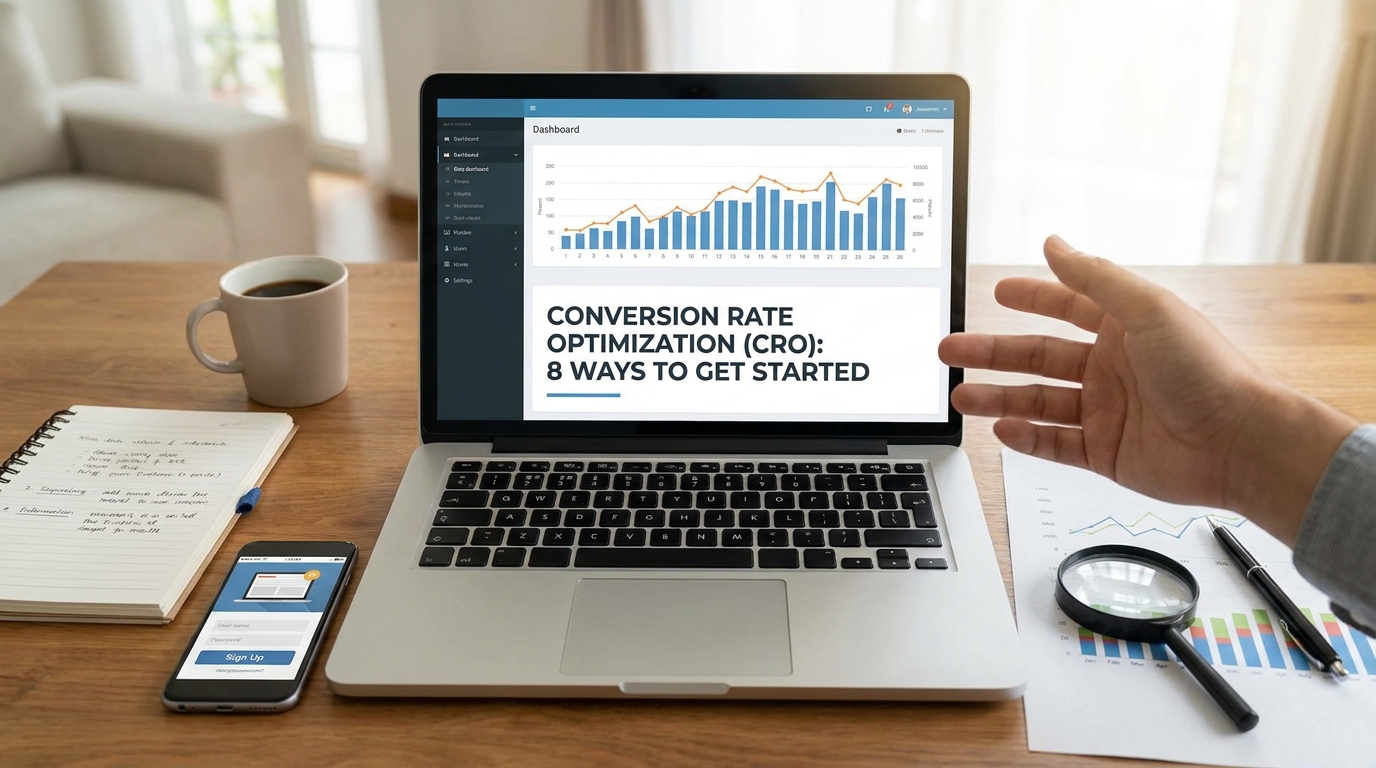
You’ve poured your heart, soul, and budget into driving traffic to your website. You've mastered SEO, run successful ad campaigns, and your social media is buzzing. The visitor numbers are climbing, and everything looks great on the surface. But there's a nagging question: are those visitors actually doing what you want them to do? Are they buying your products, filling out your contact forms, or subscribing to your newsletter? If you're seeing a lot of traffic but not a lot of action, you're not alone. The gap between a visitor arriving and a visitor converting is where many businesses lose momentum and money. This is precisely where Conversion Rate Optimization (CRO) comes into play. It's the systematic process of improving your website to increase the percentage of visitors who take a desired action. CRO isn't about guesswork or blindly changing button colors; it's a powerful methodology that blends data analysis, user psychology, and structured testing to turn more of your existing traffic into valuable customers and leads. In this comprehensive guide, we'll demystify CRO and provide you with a practical, step-by-step framework. We will explore eight essential conversion rate optimization tips, from understanding your users and auditing your site's experience to mastering A/B testing and crafting compelling calls-to-action. Let's get started on transforming your website into a highly efficient conversion machine.
What is Conversion Rate Optimization (CRO)? A Deeper Dive
Before we jump into specific tactics, it's crucial to have a solid understanding of what Conversion Rate Optimization truly is. At its core, CRO is the practice of increasing the percentage of users who perform a desired action on your website. This "action" is what we call a "conversion." A conversion can be anything you define as valuable to your business. For an e-commerce site, the primary conversion is a sale. For a B2B company, it might be a lead generation form submission. Other examples include:
- Signing up for a newsletter
- Creating an account
- Downloading an ebook or whitepaper
- Starting a free trial
- Clicking on a specific link
The conversion rate is calculated with a simple formula: (Number of Conversions / Total Number of Visitors) x 100. So, if 1,000 people visit your product page and 20 of them make a purchase, your conversion rate is (20 / 1000) x 100 = 2%.
But CRO is so much more than a formula. It's a mindset rooted in continuous improvement. It's about stepping into your customer's shoes and understanding their journey on your site. What are their goals? What are their pain points? Where are they getting frustrated or confused? By answering these questions, you can identify and eliminate points of friction, making it easier and more intuitive for them to convert. CRO allows you to get more value from the visitors you already have, effectively lowering your customer acquisition costs and maximizing the return on investment (ROI) from every marketing channel, whether it's paid search, social media, or content marketing.
Tip 1: Conduct a Thorough User Experience (UX) Audit
Your website's user experience is the foundation upon which all conversion rates are built. If your site is slow, confusing, or difficult to use, visitors will leave in frustration long before they even consider converting. A thorough UX audit is your first and most critical step. This isn't about redesigning your entire site; it's about identifying and fixing the "leaks" that are costing you conversions. Start by focusing on these key areas:
- Website Speed: In today's fast-paced digital world, patience is in short supply. A slow-loading website is a conversion killer. Studies consistently show that even a one-second delay in page load time can drastically increase your bounce rate. Use free tools like Google's PageSpeed Insights or GTmetrix to analyze your site's performance. These tools will give you a score and provide actionable recommendations, such as compressing images, leveraging browser caching, and minimizing code.
- Mobile-First Design: It's no longer enough for your website to be "mobile-friendly." It must be designed with a mobile-first approach. The majority of web traffic now comes from mobile devices, so your user's primary experience is likely on a small screen. Test your site thoroughly on various smartphones and tablets. Can you easily read the text without zooming? Are the buttons and links large enough to be tapped with a thumb? Is the navigation menu simple and intuitive? A clunky mobile experience is a guaranteed way to lose potential customers.
- Clear and Intuitive Navigation: Users should be able to find what they're looking for quickly and effortlessly. Your navigation menu should be logical, with clearly labeled categories. Consider implementing features like a prominent search bar with an autocomplete function and breadcrumbs on product or content pages to help users understand where they are on your site. The goal is to reduce the number of clicks it takes for a user to reach their destination.
Tip 2: Gather Qualitative Feedback Directly from Users
Quantitative data from tools like Google Analytics can tell you *what* is happening on your site—for example, that 70% of users are abandoning their shopping carts. But it can't tell you *why*. This is where qualitative data becomes invaluable. You need to listen directly to your users to understand their motivations, frustrations, and the context behind their actions. Gathering this feedback is one of the most powerful conversion rate optimization tips you can implement.
Here’s how to get started:
- On-Site Surveys and Polls: Use tools like Hotjar, Qualaroo, or SurveyMonkey to deploy short, targeted surveys on your website. You can trigger these based on user behavior. For example, if a user is about to leave a checkout page without buying, you could trigger a pop-up poll asking, "What's stopping you from completing your purchase today?" On a blog post, you could ask, "Was this article helpful?" These simple questions can provide a wealth of insight into user objections and information gaps.
- User Testing: Nothing beats watching a real person interact with your website. Services like UserTesting.com or Maze allow you to recruit people from your target demographic and give them specific tasks to complete on your site (e.g., "Find a blue t-shirt and add it to your cart"). You get to watch a recording of their screen and listen to them think aloud as they navigate. This process will uncover usability issues and points of confusion that you, being so familiar with your own site, would never notice.
- Analyze Customer Support Data: Your customer support team is on the front lines, talking to your users every day. The emails, chat logs, and call transcripts they collect are a goldmine of qualitative data. What are the most frequently asked questions? What features do people complain about? Where do they repeatedly get stuck? Analyzing this data can help you proactively address common issues on your website, reducing support load and improving the user experience.
Tip 3: Dive into Your Website Analytics
While qualitative data gives you the "why," quantitative data gives you the "what" and "where." Your website analytics platform, most commonly Google Analytics, is your source of truth for user behavior at scale. It allows you to identify trends and pinpoint the specific pages and parts of your conversion funnel that need the most attention. Instead of getting lost in a sea of metrics, focus on those that directly relate to conversion opportunities.
Key areas to analyze include:
- Conversion Funnel Analysis: The most important report for CRO is your conversion funnel. Set up goals in Google Analytics to track the steps a user takes on the path to conversion (e.g., Visited Product Page -> Added to Cart -> Initiated Checkout -> Completed Purchase). This visualization will show you exactly where the biggest drop-offs are occurring. If you see a massive drop-off between initiating checkout and completing the purchase, you know you need to investigate your checkout process for potential issues.
- Top Exit Pages: The "Exit Pages" report shows you the last page a visitor viewed before leaving your site. While some exits are natural (like from a "thank you" page), high exit rates on critical pages like a pricing page or a cart page are a major red flag. This tells you which pages are failing to convince users to take the next step.
- New vs. Returning Visitors: Segmenting your data by new and returning visitors can reveal interesting patterns. Do returning visitors convert at a much higher rate? If so, what can you do to encourage a first-time visitor to come back? Or maybe your returning visitors aren't converting, which could indicate a problem with your product or post-purchase experience.
Tip 4: Use Heatmaps and Session Recordings
To bridge the gap between quantitative and qualitative data, you can use powerful visualization tools. Heatmaps and session recordings give you a visual representation of how users are interacting with your pages, making abstract data much more tangible and actionable.
Here’s how these tools help:
- Heatmaps: A heatmap is a color-coded overlay on your webpage. "Hot" colors (like red) show the areas that get the most clicks and attention, while "cool" colors (like blue) show the areas that get ignored. This can instantly reveal if users are clicking on non-clickable elements (indicating a design flaw) or if they are completely missing your main call-to-action button. Scroll maps, a type of heatmap, show you how far down the page users are scrolling, which is crucial for determining if your most important content is even being seen.
- Session Recordings: Session recordings are videos of real, anonymous user sessions on your site. It's like looking over a user's shoulder as they browse. You can see their mouse movements, where they hesitate, where they "rage click" in frustration, and where they ultimately leave your site. Watching a handful of these recordings from a problematic page (like one with a high bounce rate) can provide more "aha!" moments than hours of staring at analytics charts. Tools like Microsoft Clarity (which is free), Hotjar, and Crazy Egg are leaders in this space.
Tip 5: Formulate a Strong Hypothesis for Testing
Once you've gathered your data—from analytics, user feedback, and heatmaps—you'll likely have a long list of potential problems and ideas for improvements. The next crucial step is to avoid making random changes. Every change you test should be based on a structured, data-informed hypothesis. A strong hypothesis turns your observation into a testable statement and forces you to think critically about the expected outcome.
A great hypothesis follows a simple structure:
"Based on [data/observation], we believe that changing [element] into [new version] for [audience segment] will result in [desired outcome] because [reasoning]."
Let's break this down with an example. Imagine your session recordings show that many mobile users are abandoning your checkout page when they get to the shipping address form.
- Data/Observation: "Session recordings show mobile users dropping off at the lengthy shipping form."
- Change: "Implementing a one-click 'Pay with Google Pay/Apple Pay' button."
- Desired Outcome: "An increase in completed checkouts on mobile."
- Reasoning: "This will reduce the friction and number of fields required to complete a purchase on a small screen."
Your full hypothesis would be: "Based on session recordings showing mobile users dropping off at the lengthy shipping form, we believe that implementing a one-click 'Pay with Google Pay/Apple Pay' button for mobile visitors will result in an increase in completed checkouts because it will significantly reduce the friction and effort required to purchase." This structured approach ensures your tests are purposeful and that you learn something from the results, whether you win or lose.
Tip 6: Master the Art of A/B Testing
A hypothesis is just an educated guess until you test it. A/B testing, also known as split testing, is the core engine of CRO. It's the scientific method for determining which version of a webpage or element performs better. The process is straightforward: you create two versions of a page—the original version, or "control" (A), and a new version with a single change, the "variation" (B). You then split your website traffic, sending half to version A and half to version B. By measuring which version leads to more conversions, you can definitively prove if your change had a positive, negative, or no effect.
Popular A/B testing tools like Google Optimize (being sunsetted but the concepts remain), Optimizely, or VWO handle the technical aspects of splitting the traffic and tracking the results. Here are some key principles for successful A/B testing:
- Test One Thing at a Time: If you change the headline, the button color, and the main image all at once, you'll have no idea which change was responsible for the lift (or drop) in conversions. Isolate your changes to learn what truly moves the needle.
- Run Your Test Long Enough: Don't declare a winner after just a few hours or days. You need to run the test until you reach statistical significance (usually 95% or higher). This ensures that your result isn't just due to random chance. Most testing tools will tell you when this threshold has been met.
- Test High-Traffic Pages First: To get results quickly, start by testing pages that receive a significant amount of traffic, like your homepage, main product category pages, or landing pages for ad campaigns.
Tip 7: Optimize Your Calls-to-Action (CTAs)
Your call-to-action is arguably the most important element on any conversion-focused page. It's the gateway between a visitor browsing and a visitor taking action. Optimizing your CTAs is often considered "low-hanging fruit" in CRO because even small changes can lead to significant improvements. Don't just settle for a generic "Submit" or "Click Here." Your CTA should be compelling, clear, and visible.
Here are some of the most impactful conversion rate optimization tips for your CTAs:
- Use Strong, Action-Oriented Language: Start with a verb that communicates value. Instead of "Submit," try "Get Your Free Quote." Instead of "Download," try "Download My Free Ebook." The language should focus on what the user gets, not what they have to do.
- Create Visual Contrast: Your CTA button should stand out from the rest of the page. Use a bold color that contrasts with your site's background and surrounding elements. Don't be afraid to make it big. The user should never have to search for the button.
- Placement is Key: The old advice was to always place your CTA "above the fold." While this is often a good starting point, it's more nuanced. The CTA should be placed where the user has enough information to make a decision. For a simple landing page, that might be right at the top. For a complex product page, it might be more effective after the key features and benefits have been explained. This is a perfect element to A/B test.
- Reduce Anxiety and Add Value: Use microcopy near your CTA to reduce friction. Phrases like "14-day free trial," "Cancel anytime," or "We'll never share your email" can reassure hesitant users. Adding social proof like "Join 50,000+ happy customers" can also boost confidence and clicks.
Tip 8: Embrace the Iterative Process
Perhaps the most important tip of all is to understand that Conversion Rate Optimization is not a one-time project with a clear beginning and end. It is a continuous, iterative cycle of improvement. The digital landscape is always changing, user expectations evolve, and your competitors are constantly adapting. What works today might not work tomorrow. A successful CRO program is built on a culture of curiosity and a commitment to ongoing testing and learning. Each test you run, whether it wins or loses, provides valuable insight into your customers' behavior and preferences. A "losing" test isn't a failure; it's a learning opportunity that tells you what *not* to do and helps you form a better hypothesis for the next test.
The CRO cycle looks like this: Analyze Data -> Form Hypothesis -> Create Variation -> Test -> Measure Results -> Learn and Repeat. By consistently following this process, you build a repository of knowledge about your audience. This knowledge not only helps you increase conversion rates but also informs your product development, marketing messaging, and overall business strategy. Start small, focus on one key page or one part of your funnel, and build momentum from there. The compound effect of small, incremental improvements over time can lead to transformative growth for your business.
Conclusion: Your Journey to Higher Conversions Starts Now
We've traveled through the essential landscape of Conversion Rate Optimization, from understanding its core principles to implementing practical, data-driven strategies. As we've seen, CRO is far more than just a marketing buzzword; it's a vital business discipline that empowers you to make the most of the traffic you already have. It shifts the focus from simply acquiring more visitors to creating a better, more persuasive experience for the ones who are already at your digital doorstep. By conducting a thorough UX audit, you lay a frictionless foundation. By gathering both qualitative feedback through surveys and user tests and quantitative data from your analytics, you move from guesswork to informed decision-making. These insights allow you to form powerful, testable hypotheses that drive your A/B testing program forward. Optimizing crucial elements like your calls-to-action and, most importantly, embracing CRO as an ongoing, iterative process ensures that your website continuously evolves to better meet the needs of your users. The eight conversion rate optimization tips outlined here are not just a checklist; they are a roadmap to understanding your customers on a deeper level. The journey to a higher conversion rate begins with a single step. Choose one page, one metric, one hypothesis, and start testing. The insights you gain will be invaluable, creating a ripple effect that improves user experience, increases revenue, and gives you a sustainable competitive advantage.
More Tips For Website Improvement

2025
07Apr
Boost Your Bottom Line: The Ultimate Guide to Increasing Your Website’s Conversion Rate
You've invested time, effort, and potentially significant resources into driving traffic to your website. Visitors are arriving and clicking around, but are they taking the actions that actually grow your business? Getting traffic is only half the battle. The real…
2024
31May
The Art and Science of User Experience: Unveiling the Power of UI/UX Design
In today's digital age, user experience (UX) reigns supreme. When users visit your website or mobile app, their first impression is everything. A well-designed interface that is intuitive, user-friendly, and visually appealing fosters positive interactions and keeps…


